
Free Download Available

Monitor Your IP Cameras Anywhere with EseeCloud

EseeCloud (also known as IP Pro) is a free remote security camera app with 5M+ downloads. Watch live video, receive motion alerts, and play back recordings β€” from any device, anywhere.

5M+ Downloads
4.3β˜… Rating
4K Support
EseeCloud app showing live security camera feed on a smartphone

Trusted by Millions of Users Worldwide

Join over 5 million users who rely on EseeCloud for remote security monitoring

5000000
Total Downloads
4.3
Google Play Rating
15300
User Reviews
4
Platforms Supported
Free Download

Download EseeCloud Free

Available on Android, iOS, Windows PC, and Mac. Free to download and use.

About eseecloud

What is EseeCloud?

EseeCloud (also called IP Pro or VR Cam) is a free mobile and desktop app developed by Guangzhou Juan IOT Technology. It connects to compatible IP security cameras over the internet or your local network, letting you view live video, manage recordings, and receive motion detection alerts β€” all from one app on your phone or PC.

Live view from anywhere: watch your cameras in real time using Wi-Fi, cellular data, or a PC client
Motion detection alerts: get instant push notifications when activity is detected
SD card & cloud storage: record locally to a TF/SD card or subscribe to cloud storage for off-device backup
Multi-device support: manage single IP cameras, NVR kits, Mini NVRs, DVRs, PTZ cameras, solar cameras, doorbell cameras, and 4G SIM cameras in one app
Easy device pairing: scan a QR code on the camera to add it in seconds β€” no complex port forwarding needed
Available on all major platforms: Android, iOS, Windows PC (CMS client), and macOS
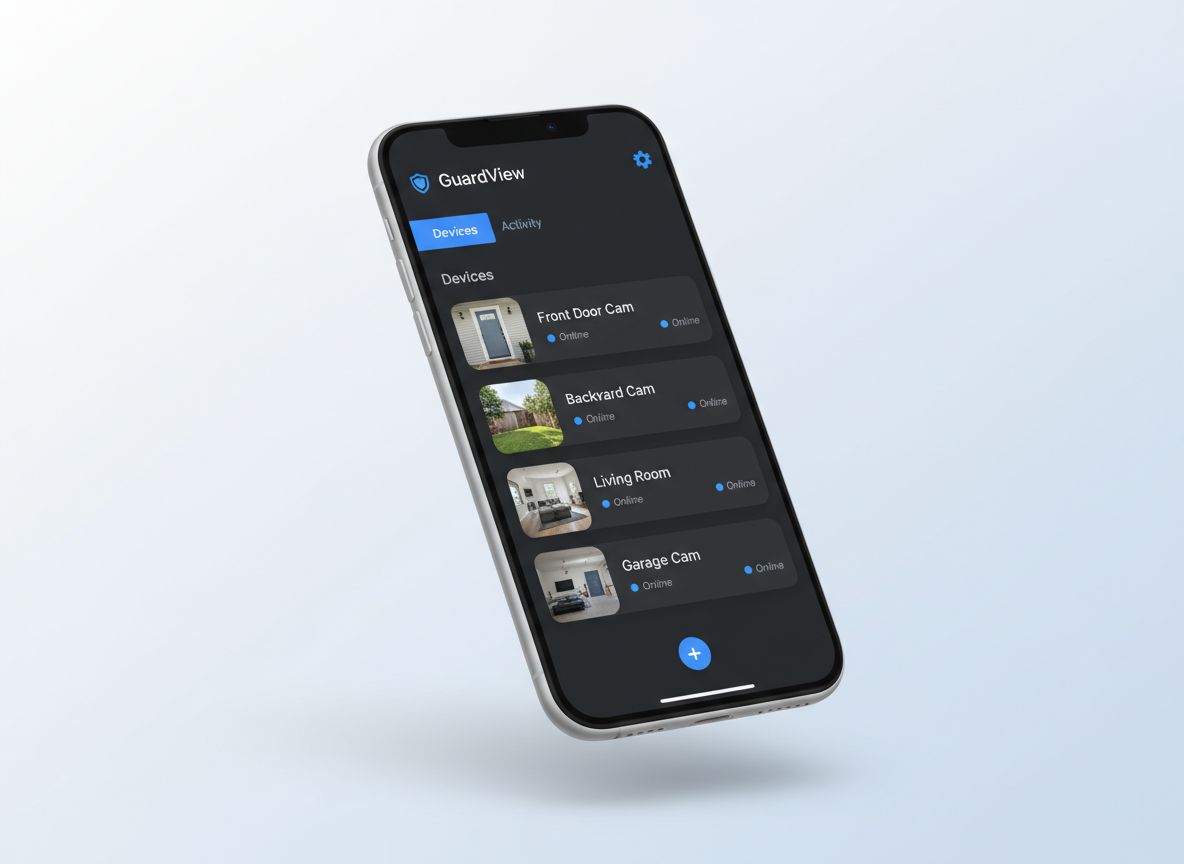
EseeCloud device list screen showing multiple connected cameras
Quick Setup

Get Started in 3 Simple Steps

From unboxing your camera to watching a live feed takes just minutes. Here is how EseeCloud works.

1

Download EseeCloud

Install the free EseeCloud app on your Android or iOS phone, or download the EseeCloud CMS desktop client for Windows or Mac.

2

Add Your Camera

Open the app, tap the + button, and scan the QR code on your camera. Connect it to your 2.4GHz Wi-Fi network β€” setup takes under 2 minutes.

3

Watch Live, Anywhere

Your camera appears in the device list. Tap to start live viewing, receive motion alerts, or review recorded footage from anywhere in the world.

Key Features

Everything You Need to Monitor Your Cameras

Powerful features built for real-world security monitoring

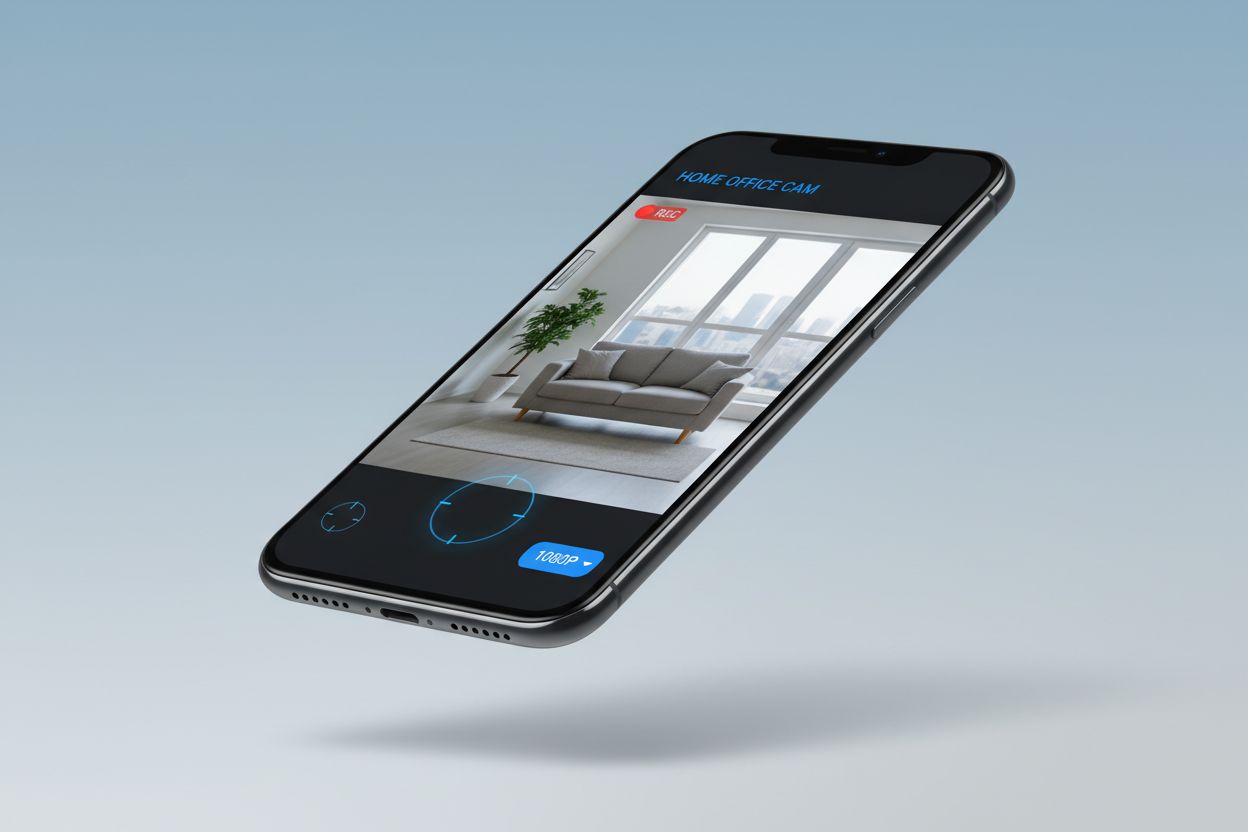
EseeCloud live view screen showing real-time camera feed
Feature 1

Live View & Real-Time Monitoring

Watch your cameras in real time from anywhere in the world. EseeCloud uses P2P technology to connect your phone directly to your camera over the internet β€” no port forwarding or complex network configuration required. Tap a camera thumbnail to instantly start live streaming in HD, switch between cameras, or view multiple channels at once. Adjust video quality on the fly to balance clarity and data usage, and use PTZ controls to pan, tilt, and zoom remotely on supported cameras.

Easy to Use
High Performance
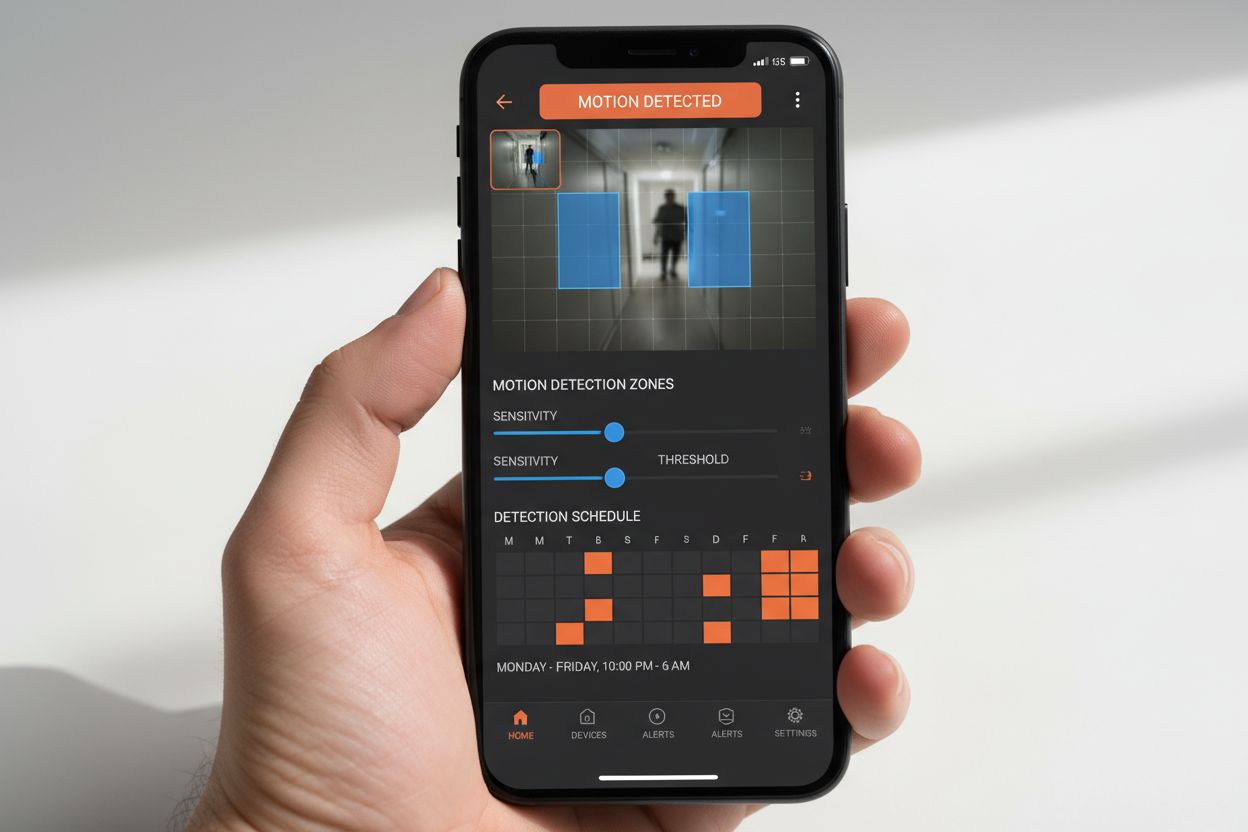
EseeCloud camera settings showing motion detection and alarm configuration
Feature 2

Motion Detection Alerts

Never miss an important event. EseeCloud's motion detection sends push notifications to your phone the moment activity is detected. Configure detection zones, adjust sensitivity, and set recording schedules so the camera only records when and where you need it. Human shape detection is supported on compatible camera models, reducing false alarms caused by pets or environmental movement. Alarm messages are stored in the app for easy review, and you can trigger recordings manually at any time.

Easy to Use
High Performance
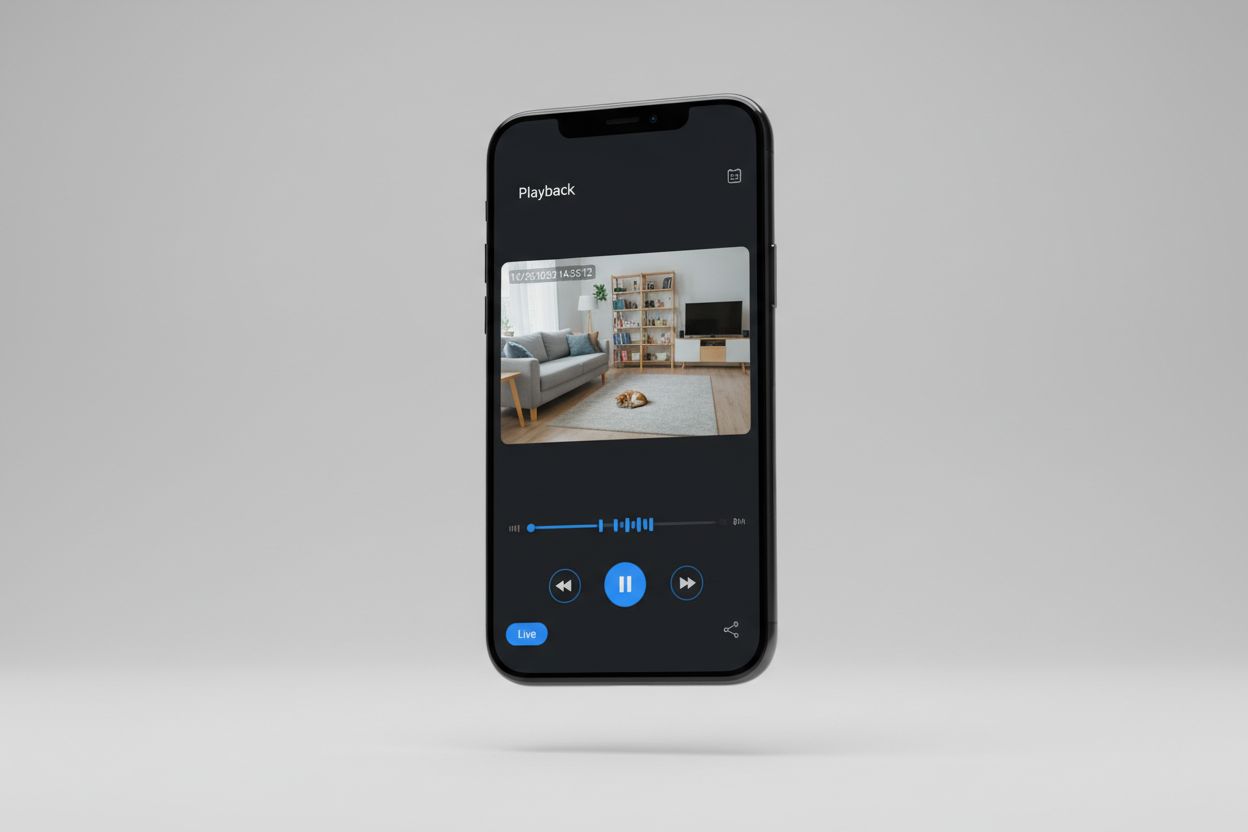
EseeCloud playback interface showing timeline and recorded footage
Feature 3

Playback & Cloud Storage

Review recorded footage directly from your phone or PC. EseeCloud supports SD card recording (loop recording with cards up to 128GB) for on-device storage, and an optional paid cloud storage subscription for off-device backup and cloud-based playback. Browse the playback timeline to find specific events, filter by date, and export clips. Cloud storage recordings are accessible from any device logged into your EseeCloud account β€” even if the camera or its SD card is physically compromised.

Easy to Use
High Performance
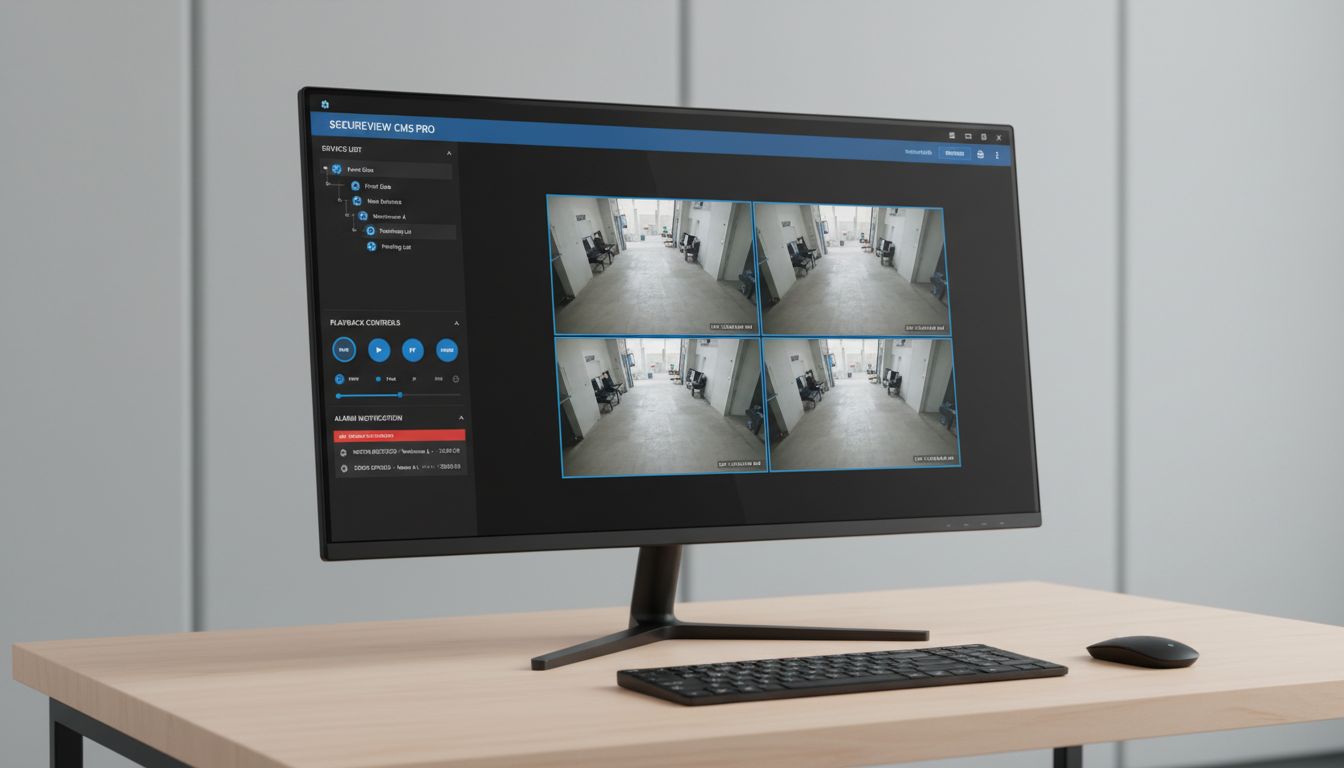
EseeCloud CMS desktop client showing multi-camera monitoring grid on Windows
Feature 4

Windows & Mac Desktop Client (CMS)

For professional multi-camera monitoring, EseeCloud CMS (Camera Monitoring System) brings the full power of your camera system to Windows and Mac desktops. View up to 16 channels simultaneously in a customizable grid layout, manage recording schedules, review footage with advanced timeline playback, and receive alarm notifications β€” all on a large screen. EseeCloud CMS V3.0.8.4 supports Windows 7, 8, 10, and 11 (32 & 64-bit), and macOS 10.9 and above. It is free to download and use.

Easy to Use
High Performance
Use Cases

Who Uses EseeCloud?

Home Security

Monitor your front door, driveway, backyard, and interior rooms from your phone. Receive instant alerts when motion is detected and review footage remotely while you are away.

Small Business Surveillance

Keep an eye on your shop, office, or warehouse using the EseeCloud CMS desktop client. Manage multiple camera feeds in one grid and review recordings when needed.

Remote Property Monitoring

Perfect for vacation homes, rental properties, storage units, and farm buildings where you need visibility without being on-site. EseeCloud works over any internet connection.

4G Off-Grid Cameras

Using a 4G SIM card camera? EseeCloud manages your SIM data, lets you top up data plans, and sends alerts even where there is no Wi-Fi β€” ideal for construction sites and remote locations.

Multi-System Management

Manage cameras from multiple brands in one place. EseeCloud is compatible with cameras from Hiseeu, Heimvision, Xmarto, OOSSXX, and other brands built on the same P2P platform.

Family & Caregiver Monitoring

Check in on elderly family members, children at home, or caregiving environments. Share camera access with other family members so everyone can monitor from their own phone.

Why Choose Us

Why Millions Choose EseeCloud

A reliable, versatile camera app trusted by users worldwide

Whether you are a homeowner setting up your first camera or managing a multi-site business system, EseeCloud provides the tools you need β€” at no cost for the core features.

Simple Setup

Scan a QR code and enter your Wi-Fi password β€” most cameras are live in under 2 minutes, no technical knowledge required

All Major Platforms

One app works across Android, iOS, Windows, and Mac β€” access your cameras from whatever device you are using

Free Core Features

Live view, motion alerts, SD card recording, and remote access are all free β€” cloud storage is available as an optional paid upgrade

Wide Camera Compatibility

Compatible with cameras from Hiseeu, Heimvision, Xmarto, OOSSXX, and dozens of other brands that use the EseeCloud/IP Pro platform

User Reviews

What EseeCloud Users Are Saying

Real feedback from Google Play reviewers

"The app works great. You do have a lot more features if you sign up for the cloud storage, although using your SD card seems to be fine for me. I would have given the app a five-star review if it wasn't for the constant pop-ups to sign up β€” but overall it gets the job done."

G

Google Play User

Home Security User

"Been using EseeCloud to monitor my vacation home for over a year. The live view is reliable, push notifications work well, and the app rarely crashes. Exactly what I needed for peace of mind when I am away."

V

Verified Reviewer

Remote Property Owner

"I use the CMS on my Windows PC at the shop and the mobile app when I am away. Having both available is really convenient. The multi-channel view in CMS makes it easy to see all my cameras at once."

S

Small Business Owner

Shop Surveillance

"Simple setup, stable connection, and works over mobile data when I am not on Wi-Fi. Exactly what I needed. The QR code pairing took less than 2 minutes and the live feed is smooth."

H

Home User

Android User

FAQ

Frequently Asked Questions

Common questions about EseeCloud answered

Q

What is EseeCloud?

A
EseeCloud (also known as IP Pro or VR Cam) is a free remote security camera app developed by Guangzhou Juan IOT Technology. It lets you view live video, receive motion detection alerts, and manage recordings from compatible IP cameras on Android, iOS, Windows, and Mac. It has 5M+ downloads and a 4.3-star rating on Google Play.
Q

Is EseeCloud free?

A
Yes β€” the core features are free. Live view, motion detection alerts, SD card recording, device management, and remote access all work without any subscription. Cloud storage (for off-device video backup) requires a paid subscription. You can check current cloud storage pricing inside the app under Cloud Mall.
Q

What cameras work with EseeCloud?

A
EseeCloud is compatible with IP cameras that use the Juan IOT P2P platform. This includes cameras sold under brands such as Hiseeu, Heimvision, Xmarto, OOSSXX, Anran, Smonet, and Cromorc, among others. If your camera's packaging or manual mentions EseeCloud or IP Pro, it is compatible. See our compatible cameras guide for the full list.
Q

Does EseeCloud support 5GHz Wi-Fi?

A
No β€” EseeCloud cameras only support 2.4GHz Wi-Fi networks. If you are having trouble connecting, make sure your router is broadcasting a 2.4GHz band and that your phone is connected to the 2.4GHz network (not 5GHz) during setup. WPA/WPA2-Enterprise networks are also not supported.
Q

Is there a web browser version of EseeCloud?

A
There is no standalone web browser login for EseeCloud. Access is through the mobile app (Android or iOS) or the desktop CMS client (Windows or Mac). If you need to access your cameras from a computer, download EseeCloud CMS β€” it provides the same full-featured experience on Windows and Mac.
Q

Is EseeCloud safe to use?

A
EseeCloud has over 5 million downloads and a 4.3-star rating with 15,000+ reviews on Google Play. Data is encrypted in transit, and you can request data deletion per the developer's privacy policy. For best security, always set a unique device password when adding a camera, and change the default password immediately after setup.